01 — ORGANIZE
A Binder for the manuscript you already have.
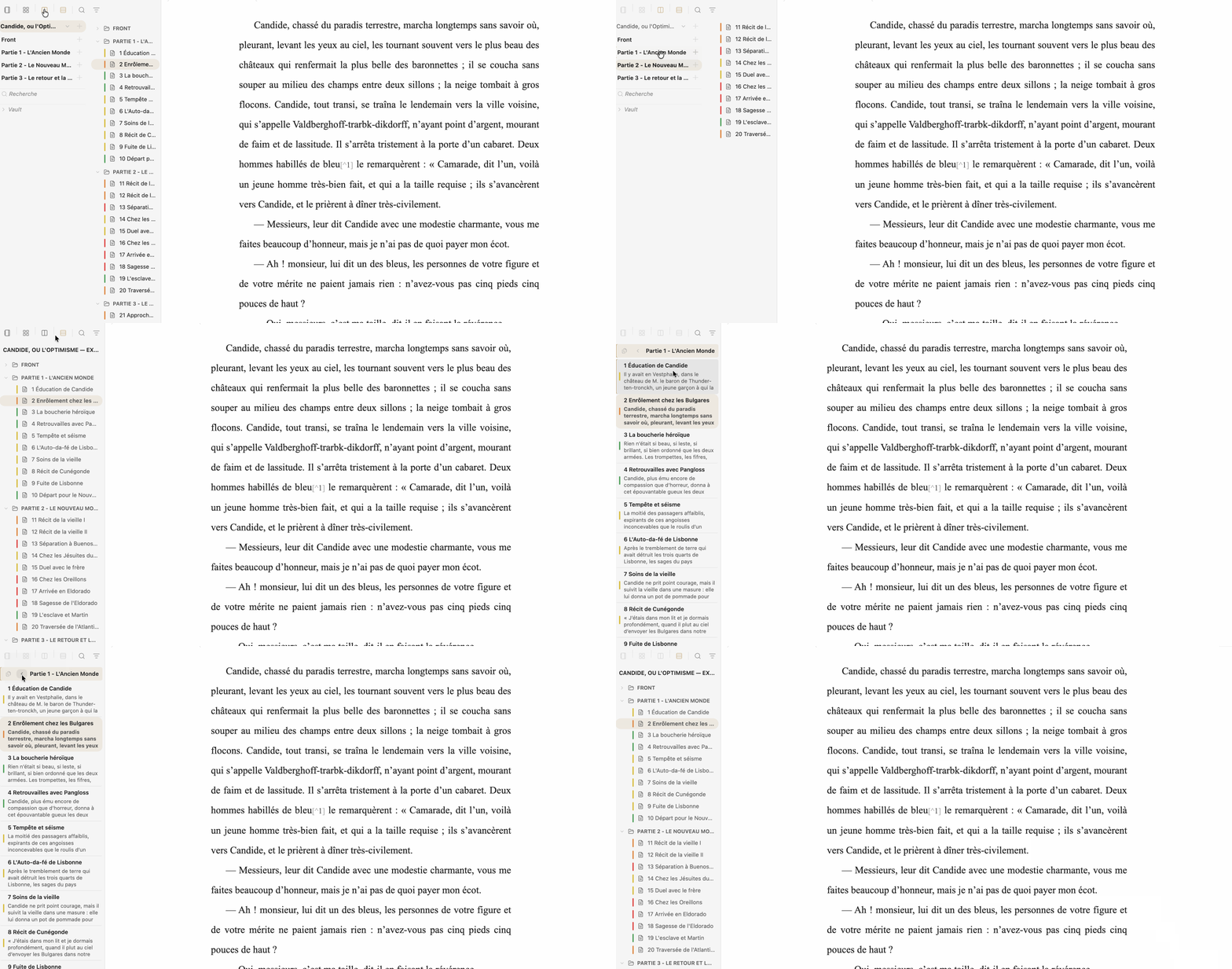
Keep your manuscript in real files and folders. Navigate its structure, isolate a folder, use split view, and open the scope you need without creating a parallel database.
LONG-FORM WRITING FOR OBSIDIAN
Feuillets turns ordinary Markdown files into a complete long-form writing workflow. Organize separate files as a manuscript, write across them as one continuous editable document, revise your work, preview the composed book, and export it — without leaving your vault or locking your text into a proprietary project format.
Local Markdown · No account · No telemetry · No lock-in · GPL-3.0
Text before system.
THE WORKFLOW
Your folders remain folders. Your chapters remain Markdown files. Feuillets adds the writing environment around them.
Keep your manuscript in real files and folders. Navigate its structure, isolate a folder, use split view, and open the scope you need without creating a parallel database.
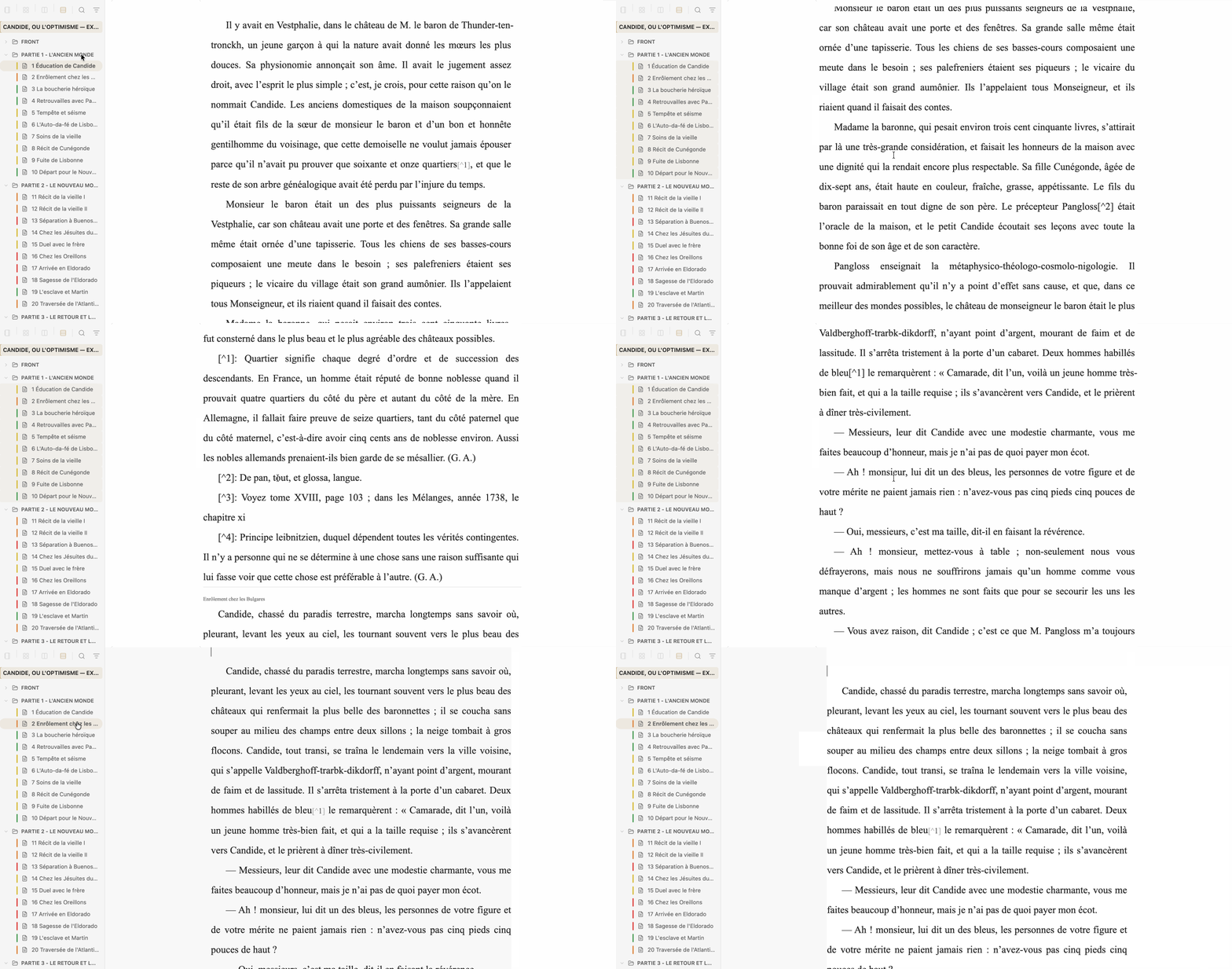
Open a folder, selection, or project as one continuous editable document. Sheet boundaries remain visible and protected, while every edit is written back to the corresponding source Markdown file.
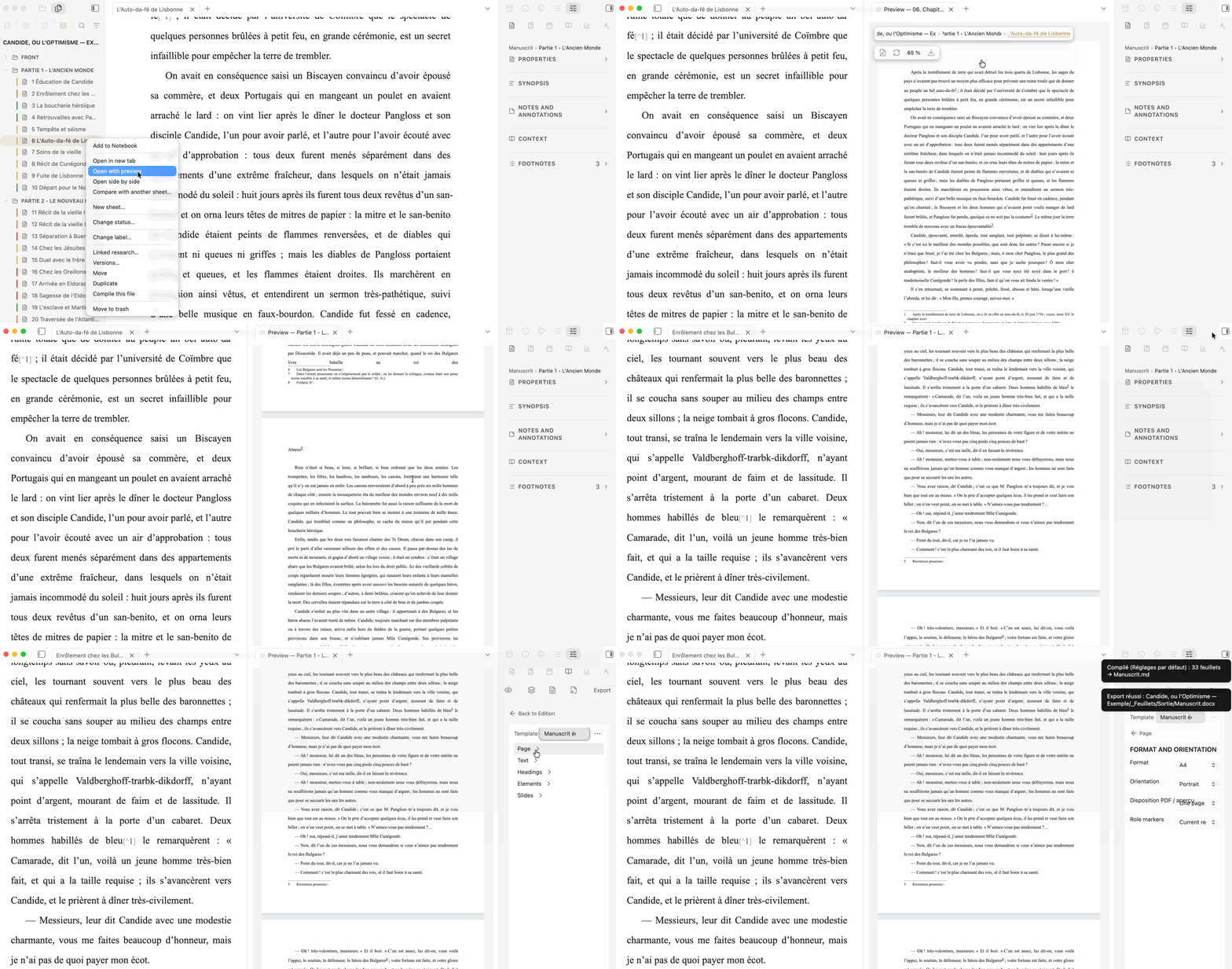
Read the paginated manuscript, adjust Composition and Layout, then export to Markdown, DOCX, EPUB, ODT, or PDF.
ONE PROJECT, SEVERAL WORKING CONTEXTS
A Binder folder can become the active workspace without becoming a subproject or a copy. The manuscript remains one project while the tools around it can follow the scope you are actually working on.
The project keeps the continuity; the workspace provides the context. The right Binder follows the active workspace.
Research can remain project-wide or become locally relevant to the workspace you are working in.
The Board and Timeline can follow the active scope. Supported local settings inherit from the folder, then its parent, then the project and global defaults.
TRY IT FIRST
Feuillets includes a complete Candide demo project. Open the plugin, choose the demo project, and explore a real manuscript before creating or converting anything of your own.
WHEN YOU NEED MORE
Research remains ordinary Markdown. Context can surface the documentation relevant around the passage being written, while Notebook provides free-form planning and visual thinking.
Use Cards, Outline, Story arcs and Timeline to inspect the same files from different angles.
Take snapshots, keep backups and compare rewrites without duplicating the manuscript.
Exchange collaborative review packages or process comments and tracked changes from DOCX.
Bring compatible Binder structure, text, metadata, Research and resources into ordinary Markdown.
Create optional variants, extractions, collections and presentations from the same source text.
YOUR MANUSCRIPT STAYS YOURS
Your writing remains ordinary Markdown in ordinary folders.
Feuillets does not require a Feuillets account or cloud service.
Your writing workflow is not tracked by Feuillets.
Feuillets is released under GPL-3.0.
Turn an existing folder into a Feuillets project, create a new writing project, or begin with Candide.